









Open a coin on Axiom and click capsense. It checks who funded the wallets, the liquidity, the X account and the story, then gives you a cap score out of 10.
Drag Get capsense to your bookmarks bar, then click it on any coin page on Axiom.
How it works
Ten seconds to set up.One click to check.
capsense
know if it’s a rug
before you ape in.
Install
Drag it once.
capsense is a bookmarklet. It sits in your bookmarks bar and runs on the page you are already looking at.
- 01
Show your bookmarks bar
Press CtrlShiftB so the bar is visible.
- 02
Drag, don’t click
Drag the Get capsense button from this page onto your bookmarks bar.
- 03
Run it on Axiom
Open a coin on axiom.trade and click capsense in your bar.
- 01
Press and hold
With one finger, press and hold Get capsense until it lifts off the page.
- 02
Add to Bookmarks
With your other finger, tap Share → Add Bookmark, then drop it into Bookmarks.
- 03
Run it on Axiom
Open a coin on axiom.trade and tap capsense in your Bookmarks.




 Safari
Try it here
Open a coin.Click capsense.
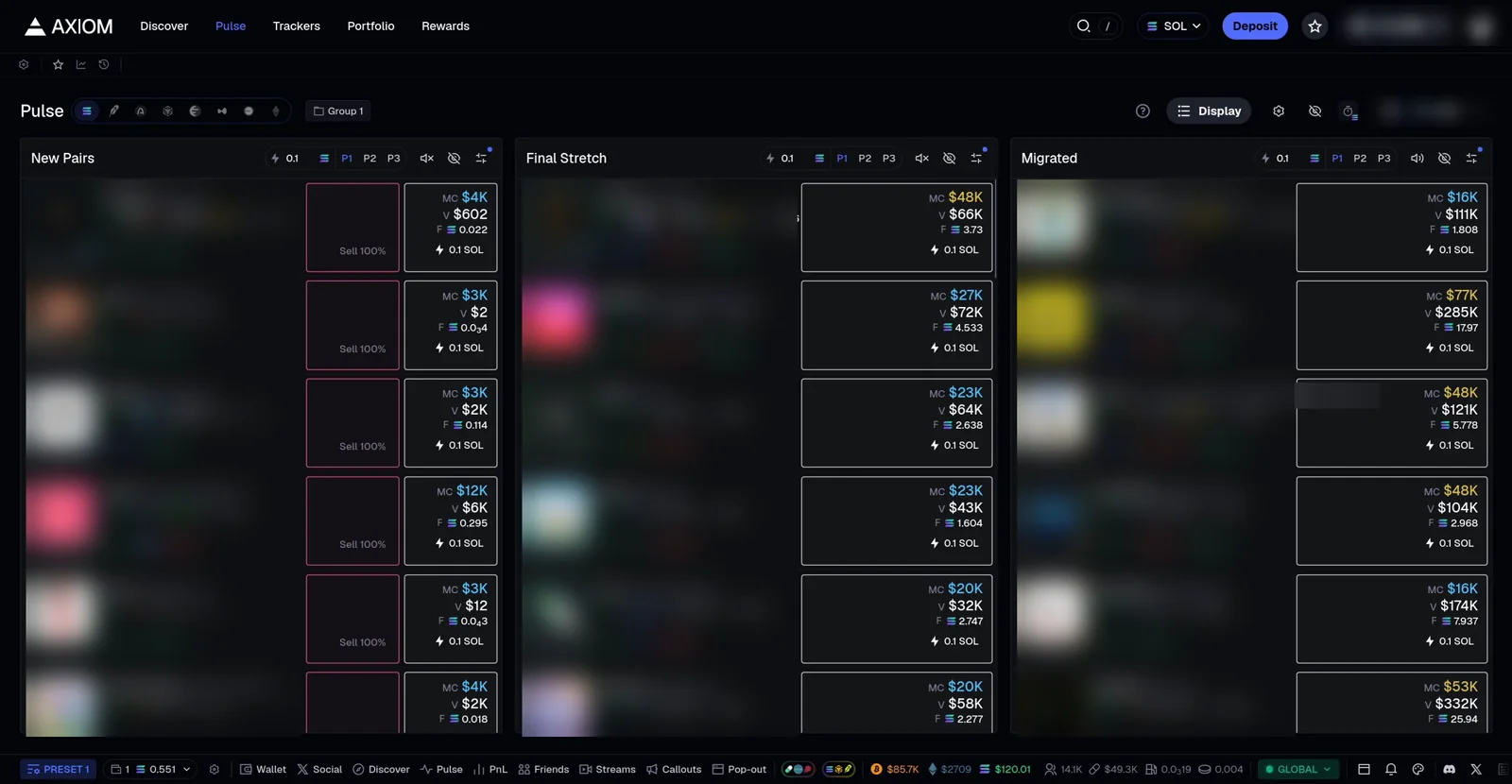
A real Axiom screen with the names blurred. Open any coin, run capsense, read the result. Click the page to back out.
- 1Click capsense in the bar
- 2Open a coin
- 3Click capsense again
Real Axiom screenshot, token names blurred · results are samples, not a check of any real token · not affiliated with Axiom
Featured by users
Caught a cap?Post it.
Check the coinbefore you ape it.
A bookmarklet. No wallet, no signup, no price calls.